

EU AI Act ready
Stay compliant with official label formats aligned with the EU AI Act and guidance.
Always up to date
Create clear, compliant AI labels and icons for your images in seconds.
The AI Act’s Article 50(4) is a transparency rule, and it lands on whoever publishes AI content — not only on the companies that build the models. Deploy a generative AI system, and you have to disclose that what people are looking at was artificially generated or manipulated.
That reaches further into online retail than it first sounds. The rule is written around deep fakes: AI images, video or audio resembling real people, objects or places that would appear authentic to the person seeing them. A photoreal product render, an AI model wearing your clothing, a generated lifestyle shot in a paid social post — all of it sits inside that definition. Work that is evidently artistic or stylised is treated more lightly.
The Commission publishes a free set of labels for exactly this — AI Generated, AI Modified, and a plain AI mark. Using its labels is optional; disclosing is not. The guidance is specific about how the mark has to behave:
Everything you need to put the EU's AI disclosure labels on the images you publish—fast, and without leaving the browser.
Stay compliant with official label formats aligned with the EU AI Act and guidance.
Always up to date
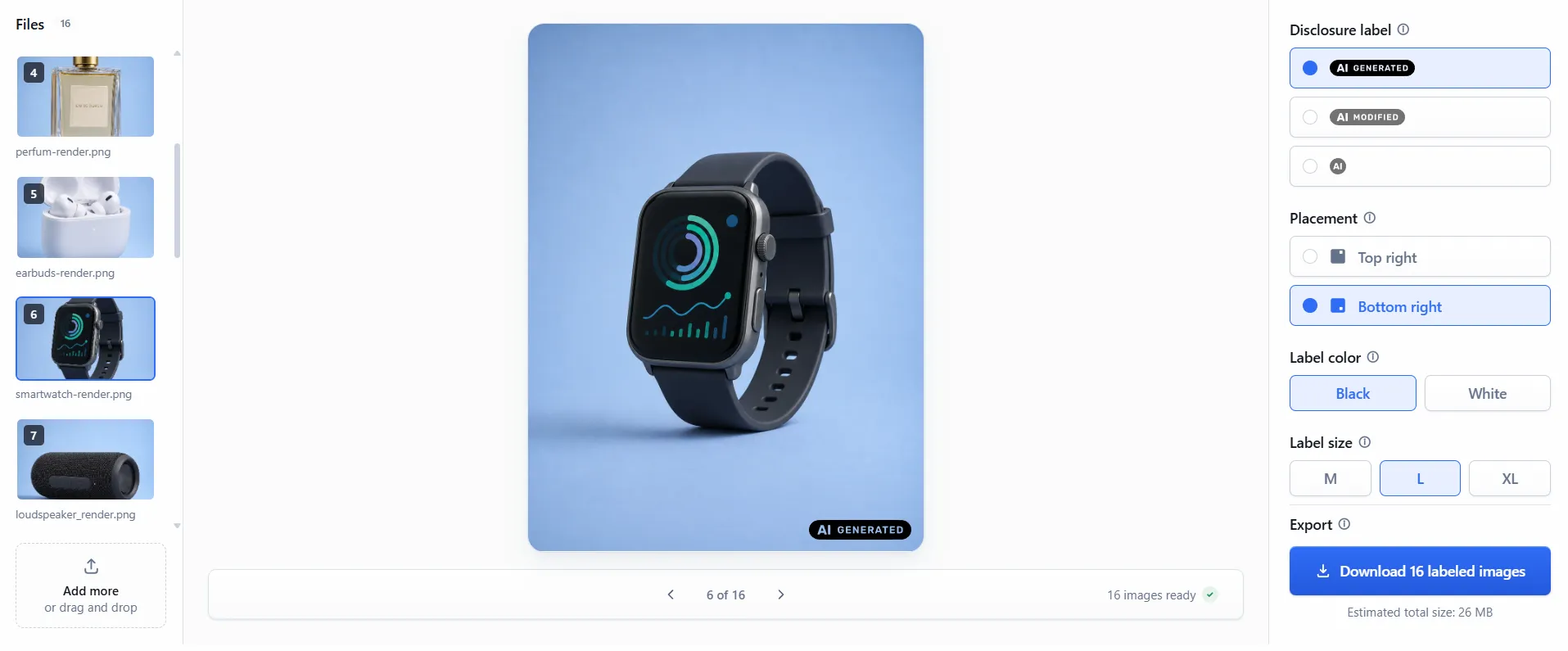
Pick a label, a corner, black or white, and a size. The preview is exactly what you download.
No guesswork, no re-exports
Every image comes back at its original pixel dimensions and in the format it arrived in.
Same file, one label added
Style one image, apply it to the whole batch, then download everything as a single ZIP.
Fine-tune any image on its own
Size, margin, and placement are calculated for each image, so the label sits right on all of them.
Built for non-designers
One credit labels one image. Buy a pack of credits and use it whenever you need it.
No subscriptions, no surprises
Three steps, and the images never leave your browser.
Drag and drop, or browse for them. JPG and PNG, one image or several hundred in a single batch.
Pick one of the three EU labels, put it in a corner, choose black or white, and set its size. Apply it to the whole batch, or style any image on its own.
Every image comes back labelled, at its original size and in its original format, in one archive.
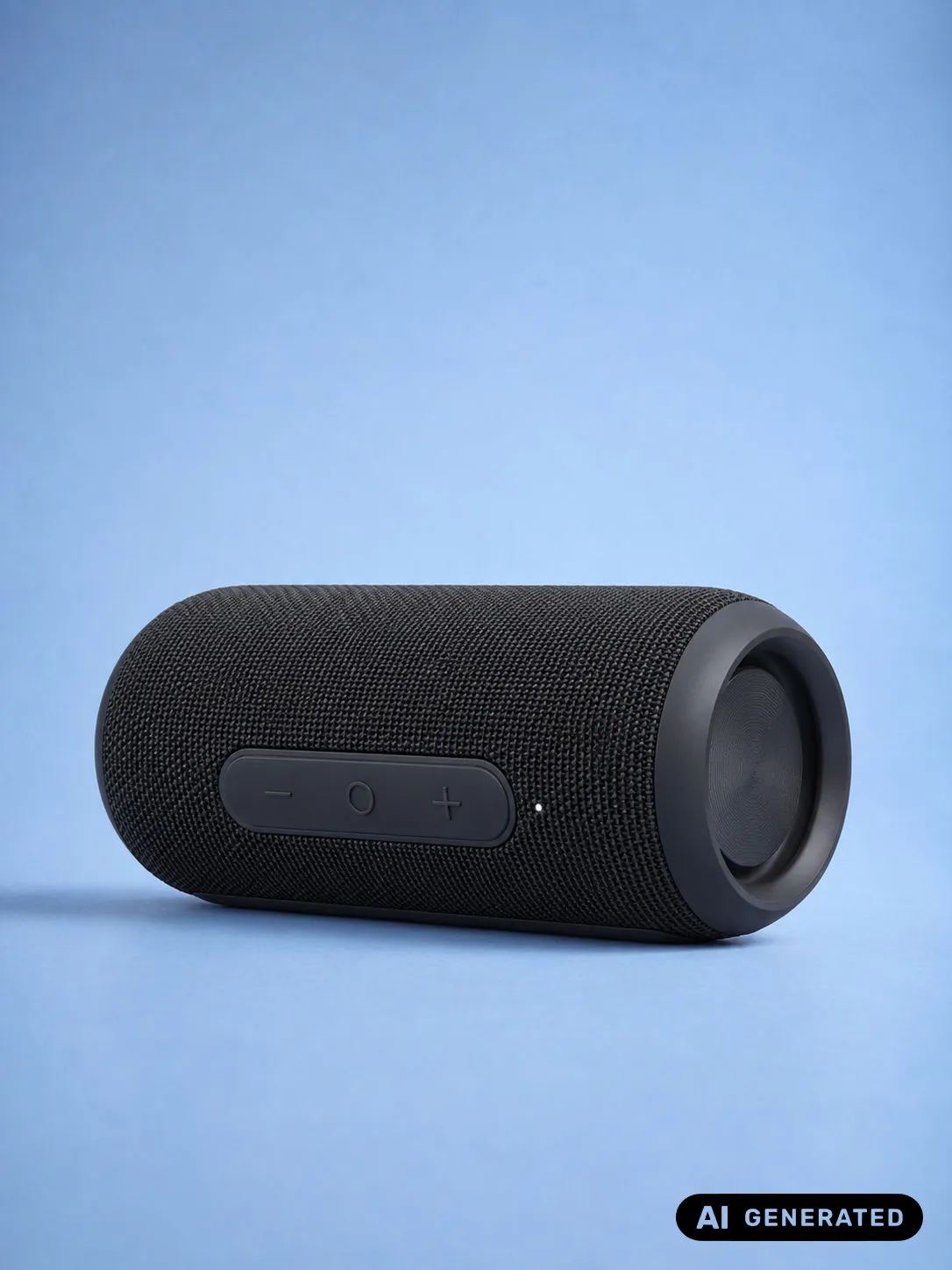
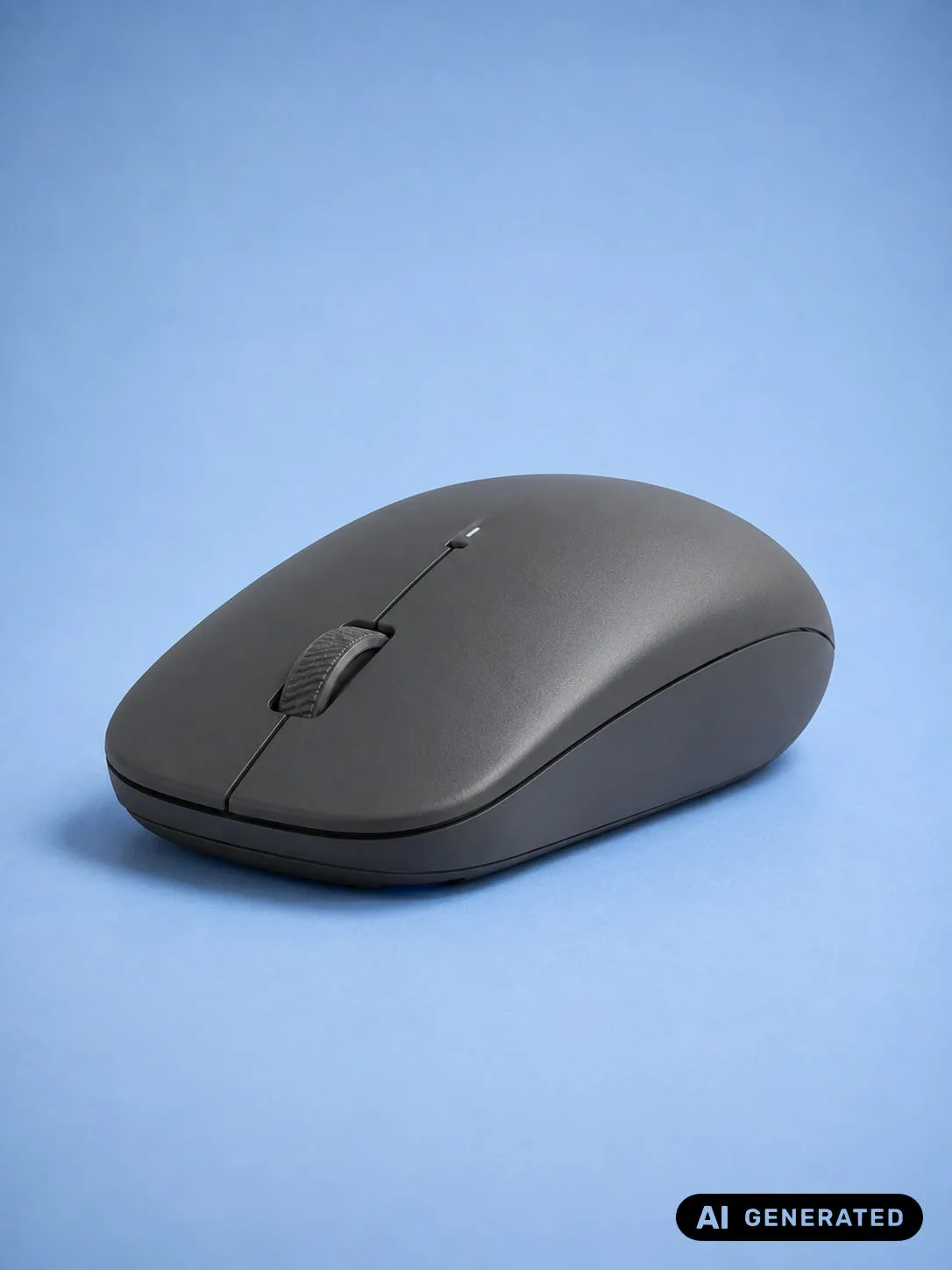
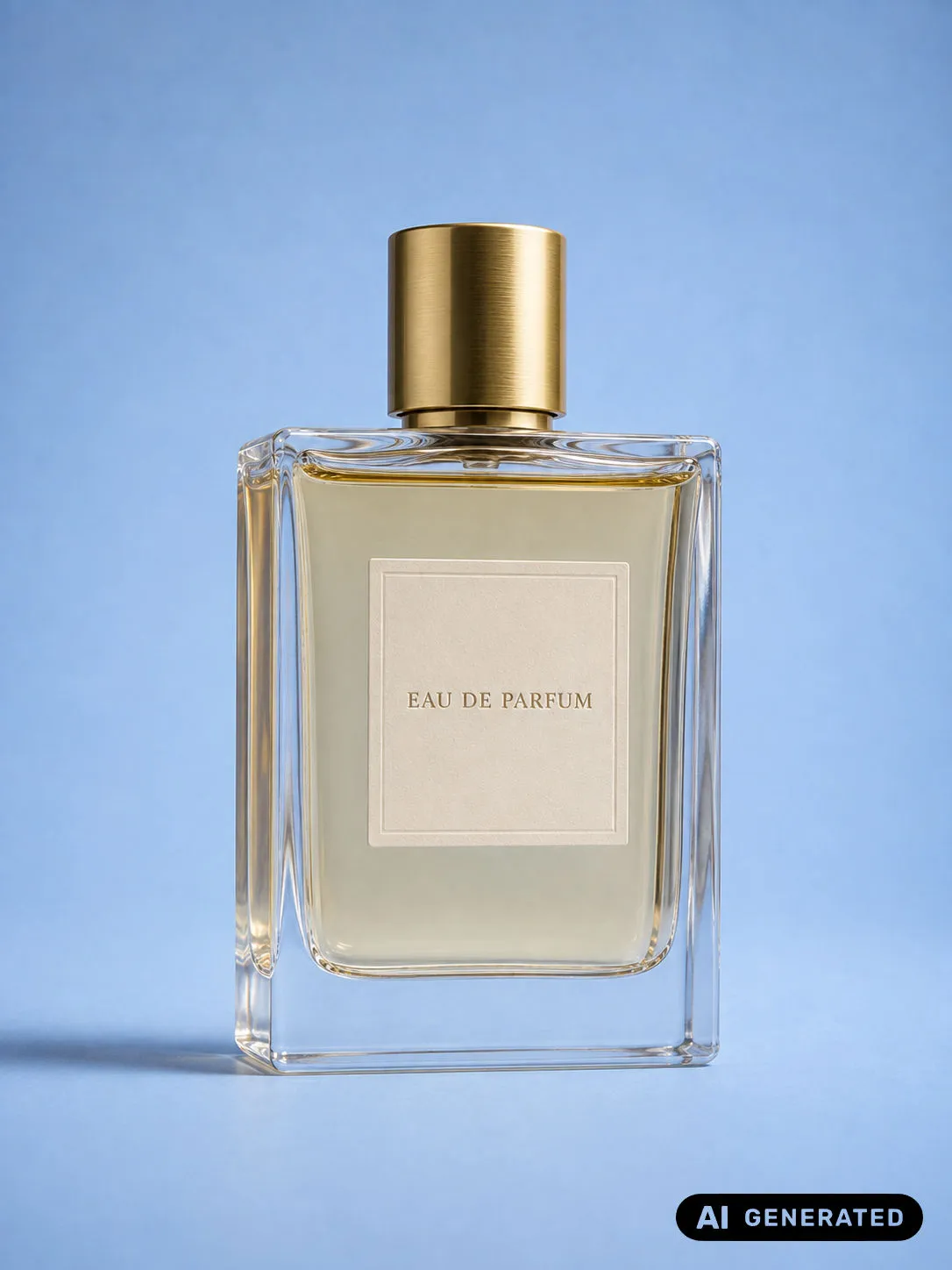
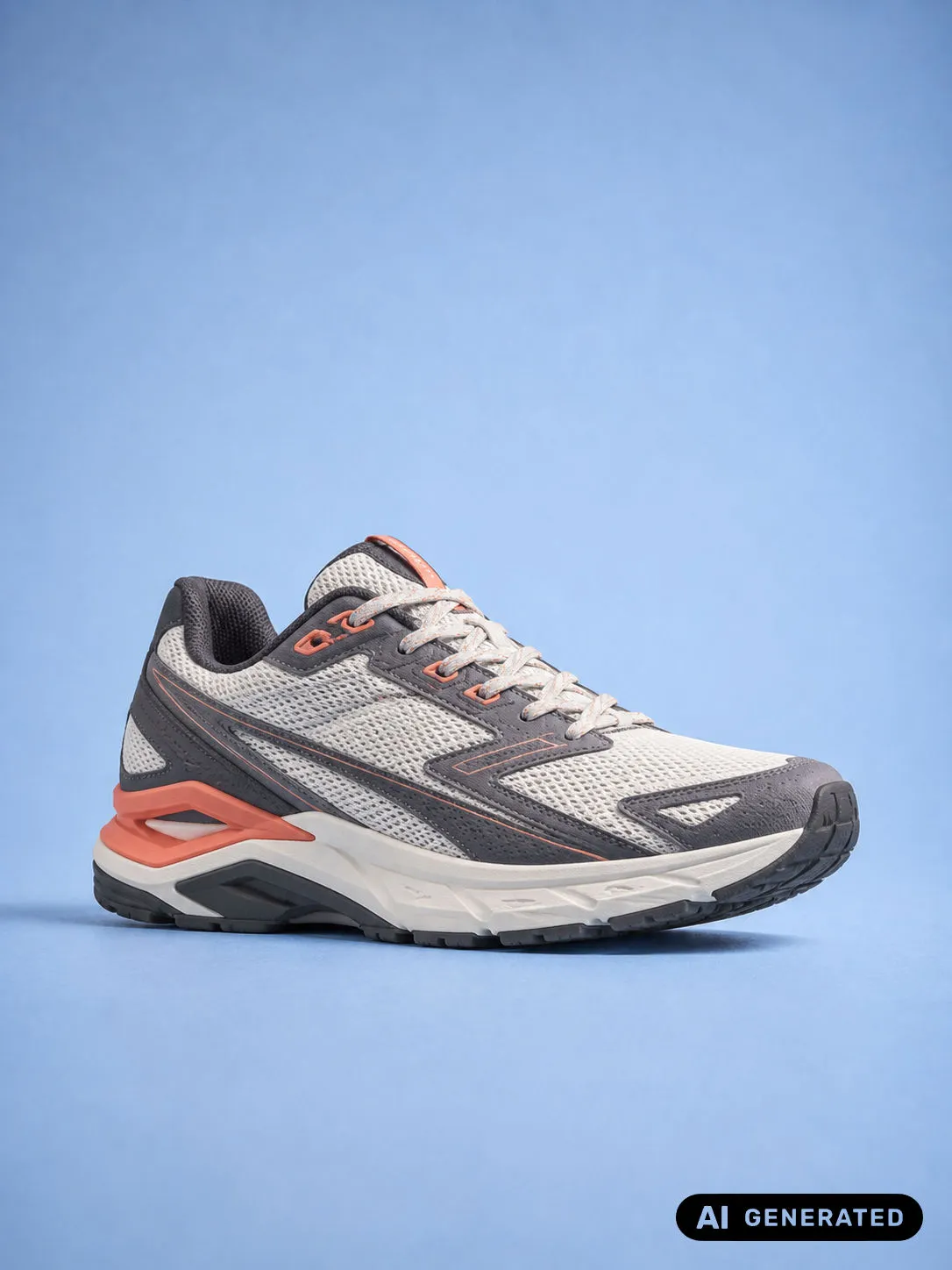
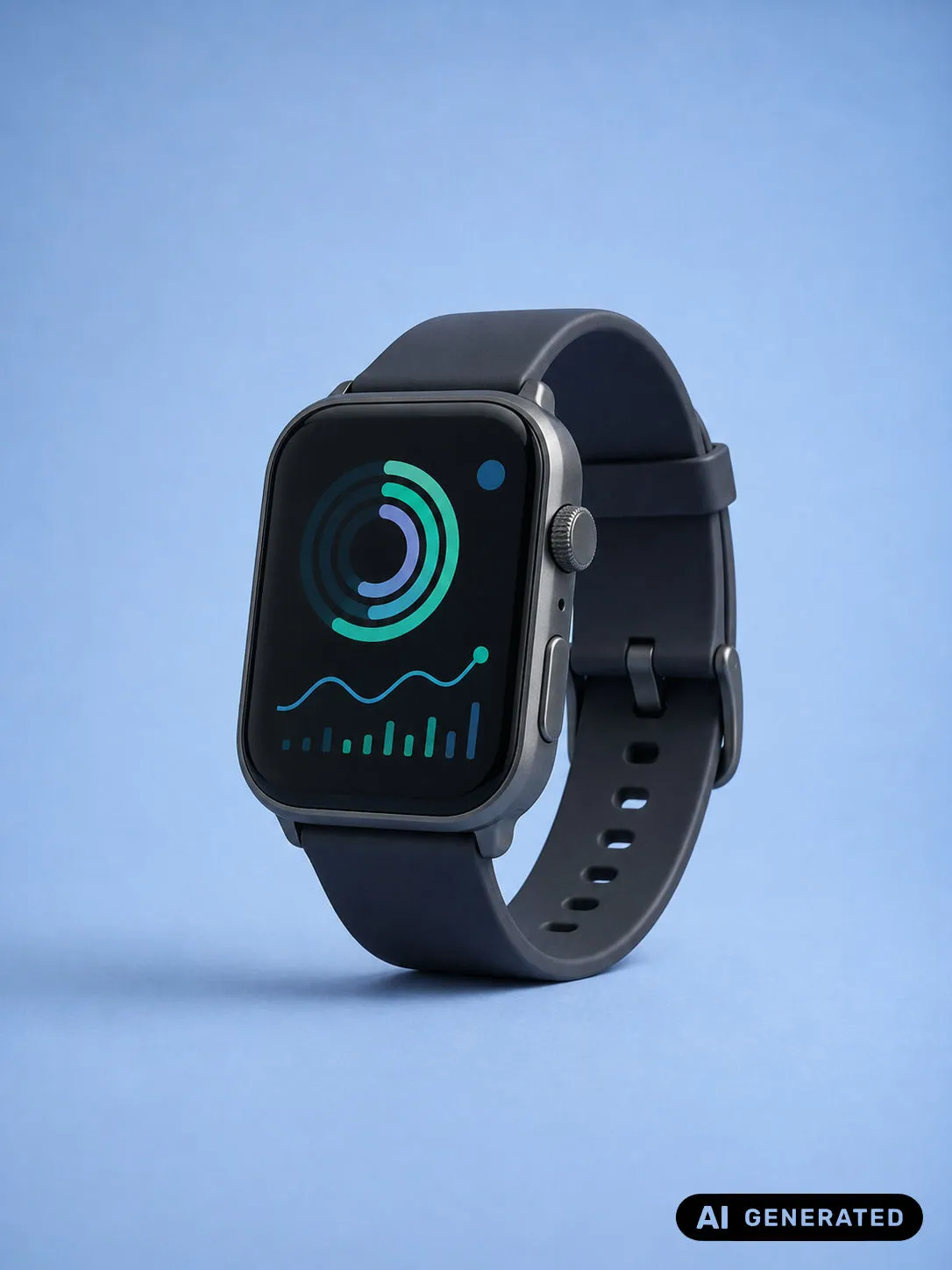
A continuous look at published images carrying the EU's AI disclosure labels—across products, packaging, and campaign work.



One credit labels one image. Buy a pack and use it whenever you need it — there is no subscription and no monthly minimum.
€2.99
Simple, affordable credits for getting started.
50 credits6.0¢ each
€4.99
More credits, better value for growing teams.
100 credits5.0¢ each
€9.99
The highest tier for maximum flexibility and value.
250 credits4.0¢ each
Payments handled by Stripe. VAT included where applicable.
The details people usually check before they start labelling their first images.
Add your images, choose one of the EU disclosure labels, and download them with that label placed on them. Size, margin, and placement are worked out per image, so the label sits correctly on a square crop and on a wide banner alike.
The three AI transparency labels published by the European Commission: AI Generated, AI Modified, and plain AI. Each one can be placed in the top-right or bottom-right corner, in black or white, at one of three sizes.
No. Every image is decoded, labelled, and re-encoded by your own browser, and no image or setting is ever sent to a server. The only thing that travels over the network is your sign-in and your credit balance.
No. Pick a label, a corner, a colour, and a size. There is nothing to draw, redraw, or align by hand, and what you see in the preview is what the exported file carries.
JPG and PNG, in and out. Each image is returned in the format it arrived in and at its original pixel dimensions — only the label is added. Note that re-encoding may not carry over metadata such as EXIF.
Pricing is credit based. One credit labels one image, so you buy a pack and use it whenever you need it — there is no subscription and no monthly minimum.
Yes, that is what it is built for. Set a label up on one image and apply it to the entire batch in one action, or give individual images their own settings. Everything downloads together as a single ZIP.
No. It is not an AI detector and it makes no legal determination — you choose which images carry a disclosure and which label they carry. What it does is place that label properly and consistently.
Yes. What you export is yours to use in products, packaging, documentation, and paid campaigns, with no per-use fee.
We track the artwork the Commission publishes and update the label set when it moves, so what you apply reflects the current guidance rather than a snapshot of it.
It makes it straightforward to place a clear, visible disclosure on the image itself - a practical part of an Article 50 transparency workflow for AI-generated or AI-manipulated content. You remain responsible for deciding which obligations apply to your role and use.
No. The Commission labels can support a disclosure, but using one does not by itself establish compliance with Article 50 or any other law. EU Labels is not legal advice and cannot decide whether a particular image or publication needs a label.
Not every AI image falls within Article 50. For images, the rule focuses on deepfakes: AI-generated or manipulated content that resembles real people, objects, places, entities, or events and could falsely appear authentic. Context and exceptions matter, so EU Labels leaves that legal decision with you.
AI Generated is for content made entirely by AI, while AI Modified is for human-made content that AI has altered. Plain AI is the basic Commission mark. You choose the label yourself - the app does not try to classify your image for you.
Yes. Signing in lets the editor read your credit balance and charge exports. Your image files and label settings still stay on your device; the account session and credit balance are the only parts of this workflow that use the network.
Not yet. The current editing session lives only in browser memory, so reloading clears your imported images and label settings. Download the finished ZIP and keep your original files somewhere safe.
Yes. Preview and export use the same label artwork and placement calculation, so they stay aligned. The final label is rendered against the original image dimensions, not the smaller preview on screen.
No. EU Labels adds a human-visible disclosure to the image pixels; it does not add C2PA Content Credentials, embedded watermarks, or other machine-readable provenance markers. Re-encoding may also not retain existing metadata, so check an export before processing a batch if you depend on it.
Yes. The label is rendered into the exported image pixels rather than shown as a web-page overlay, so it travels with ordinary downloads, re-uploads, and sharing. It cannot, of course, prevent someone from later cropping or editing the image.
Yes. Start from one batch preset, then give individual images their own label type, corner, colour, or size. An adjustment to one image stays with that image unless you deliberately apply it to the whole batch.
Only after confirmation when another image has custom settings that would change. Cancel leaves everything as it is; confirm uses the selected image settings for the batch and clears the individual exceptions.
Each batch is charged at one credit per image before rendering. If an item fails but others succeed, you still receive a ZIP with the successful images and the failed-image credits are returned. If no usable download can be delivered, the whole batch is refunded.


